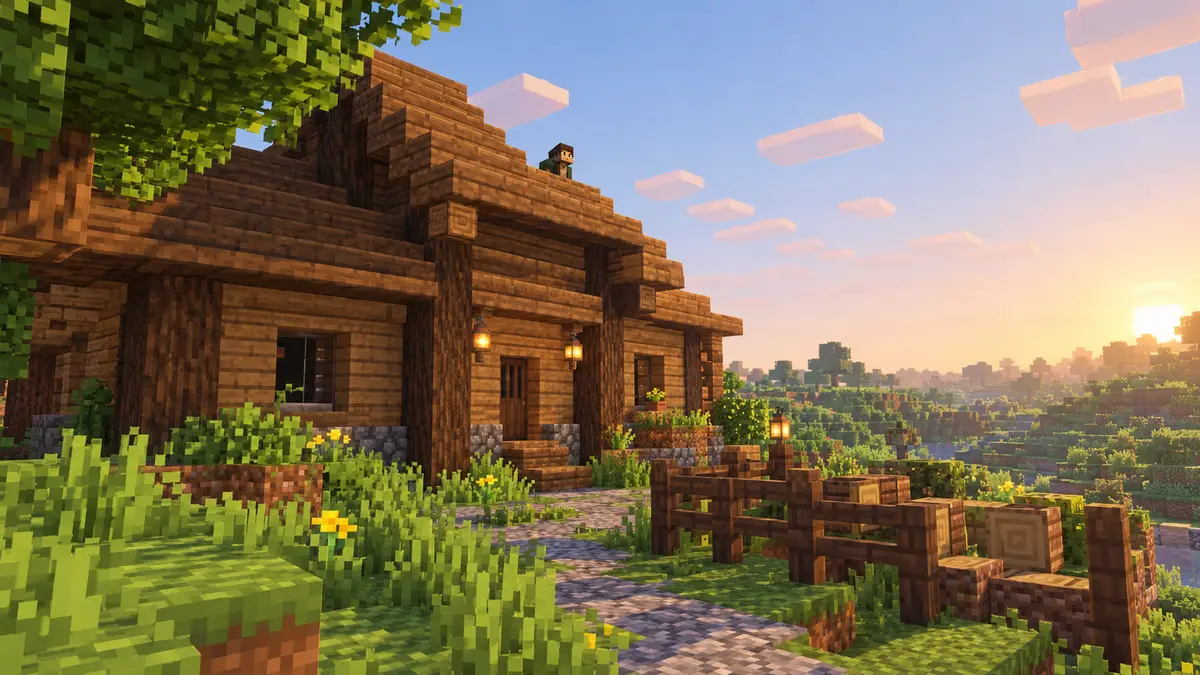
About the Reimagined Texture Pack
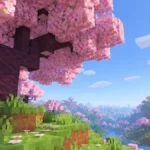
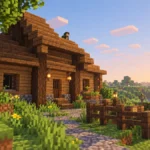
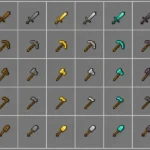
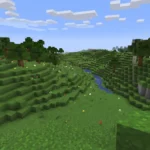
Reimagined by Reijvi is a vanilla-style Minecraft resource pack designed for players who want improved visuals without losing the game’s original identity. It enhances familiar textures with extra detail, richer colors, and a more refined appearance, making survival worlds feel more lively and immersive.
From greener landscapes and fuller-looking foliage to improved stone surfaces, wooden blocks, and decorative elements, Reimagined introduces visual improvements while preserving Minecraft’s classic block-based design. It is a suitable option for players who enjoy the original game but want a more detailed and visually appealing world.
If you are exploring vanilla-plus texture packs, Reimagined is worth comparing with popular alternatives such as Stay True and Faithful to find the visual style that best suits your gameplay.
The information provided for this page lists version v1.63.5 for a broad range of modern Minecraft versions, including selected 26.x releases and snapshots. Always check the official Modrinth listing to confirm compatibility with your exact game version before downloading.
The standard texture pack does not require OptiFine. Players who want to use shaders can install a compatible shader solution, such as Iris or OptiFine, depending on their Minecraft setup.
CraftMC provides a link to Reijvi’s official Modrinth project rather than hosting its own copy of the resource pack.
Tips for Using Reimagined
For the intended appearance, place Reimagined appropriately in Minecraft’s Selected Resource Packs list. Packs with higher priority can override textures supplied by packs underneath them, so review the order whenever a block looks different from expected.
Utility packs such as FullBright and Low on Fire can be placed above Reimagined when you want their changes to take priority. Make sure each add-on supports your Minecraft version.
You can also explore combinations with Fresh Animations, Better Leaves, and Round Trees to customize the look of your world. Compatible shaders, including Complementary and BSL, may add more atmospheric lighting and shadows. Performance will depend on your hardware, settings, and the specific shader version.
How to Install Reimagined on Minecraft Java Edition
Follow these instructions to install the Reimagined resource pack:
- Visit the official Modrinth project and download Reimagined v1.63.5, provided it supports your Minecraft version.
- Launch Minecraft Java Edition and navigate to Options → Resource Packs.
- Click Open Pack Folder to access the resource pack directory.
- Copy the downloaded ZIP archive into the folder. Do not extract the ZIP file.
- Return to Minecraft and move Reimagined into the Selected Resource Packs section.
- Click Done and allow the game to load the updated textures.
After installation, open a world and check the blocks, plants, and other textures to make sure the pack is working correctly.
Adding Optional Resource Packs
You can customize Reimagined further by installing compatible add-ons such as Better Leaves, Round Trees, or Fresh Animations. The ideal pack order depends on which textures or visual features you want each add-on to control. Place the pack that should take priority higher in the list, and consult the add-on’s instructions if it requires a particular arrangement.
Before combining multiple packs, verify their supported Minecraft versions and compatibility requirements. This helps prevent missing textures or unexpected visual changes.